Scriptly is the visual IDE system used by Vercengen. It is also in charge of handling application DSLs, and various views of Scriptly (i.e. Blocks/Nodes) can be toggled/disabled. Since it implements a 3-way abstract syntax tree/directed acyclic graph (AST/DAG) behind the scenes, it is important to understand both how it roundtrips as well as how it handles non-JS programming languages and recursion.
Scriptly is ES6+ compatible, and thus blocks/nodes can be auto-generated from simply copy/pasting code into the code editor.
Recommended Architecture: For highly complex programs, it is recommended that nodes be used to organise dataflows instead of general scripting, and to use Run Script nodes such that they can be edited by ve.ScriptManager in either the code view (for power users) or the blocks view (for regular users).
Components:
- ve.NodeEditor - Recommended for exposing all three views to the user. Disable Forse and 'script' types if you only want the nodes view.
- ve.NodeEditorDatatype
- ve.ScriptManager - Recommended for exposing blocks <-> code view to the user.
- ve.ScriptManagerBlockly - Exposes only the block view to the user.
- ve.ScriptManagerMonaco - Exposes only the code view to the user.
Scriptly components can be declared like any other component. With the exception of ve.NodeEditor which outputs a JSON string, each component's .v outputs a regular code string.
In addition, there is a Spreadsheet and Graph view via ve.DatavisSuite, though it does not round-trip unless the user writes individual macros via the visual editor to do so.
Note. ve.NodeEditor uses ve.ScriptManager for subtypes.
Console:
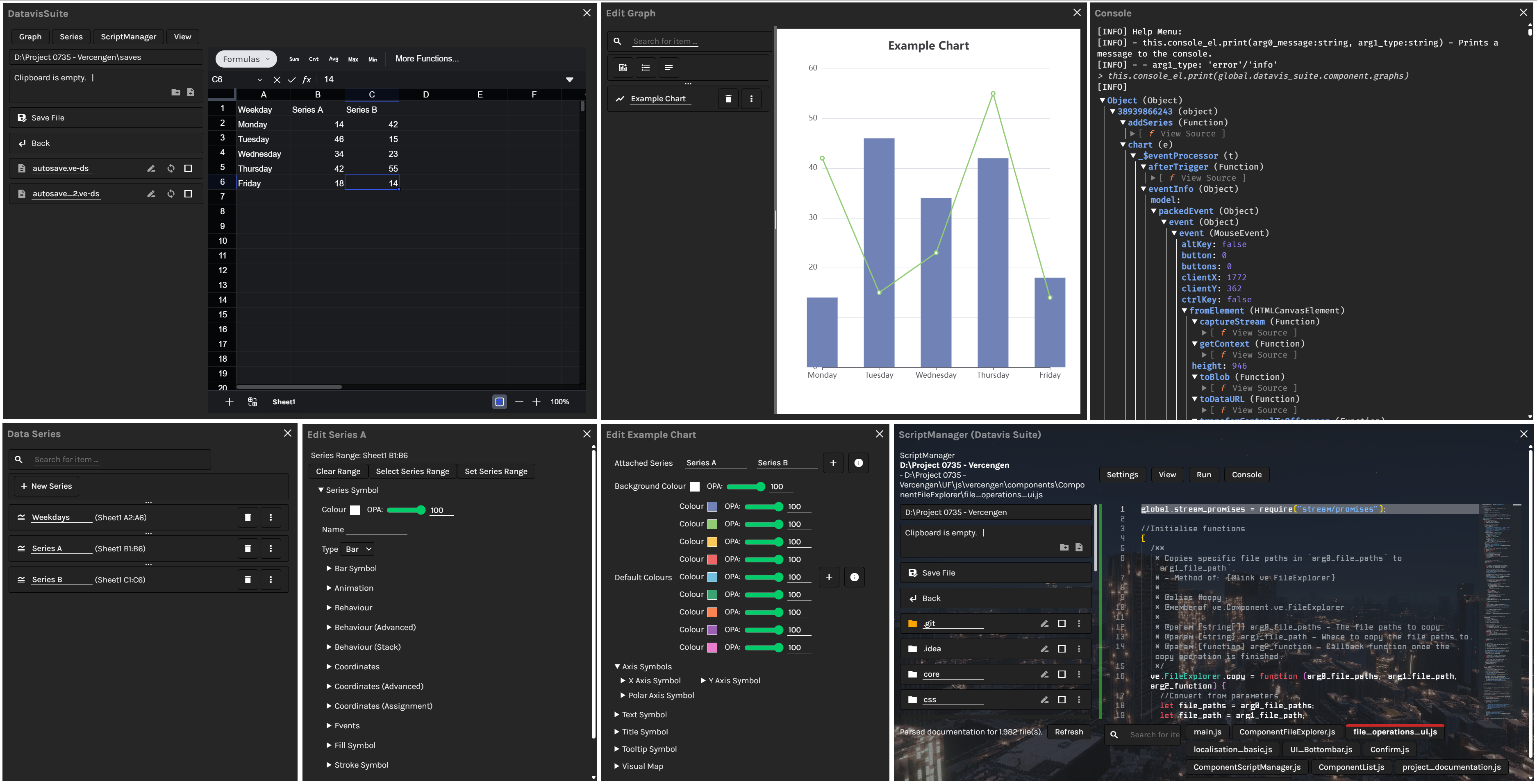
The console for Scriptly is bound to ve.ScriptManager. It supports the same recursion and view when inspecting objects that DevTools does (only DOM-facing), but is obviously not as deep for DOM inspection itself, and it is still recommended to use Inspect Element for this purpose.
The 'Help' button should print necessary instructions for how to engage with the console. In general, this.console_el.print(<message>, <type>); can be used to print to the ve.ScriptManager console.
Graceful Degradation:
For non-JS languages, Scriptly will attempt to gracefully degrade to a regular text editor whereever possible. It will still offer Intellisesnse via multifile Doxygen parsing, and code in other languages must be interfaced through Javascript if they are to be grouped into visual blocks/nodes.
Round-Tripping:
Round-tripping takes place through the concept of lossless pathways as opposed to a universal AST. If a visual view is possible, that means that round-tripping from any view to any other view is also possible.
Parsing is typically done via a core Blocks <-> Code AST in which code is typically represented. Nodes are simply types of blocks that contain code, and when their DAG is run, they execute Javascript in order. As such, Nodes compile to Code (Nodes <-> Code), and Nodes are configured in code.
This forms lossless roundtripping between all views (Blocks <-> Code <-> Nodes), with two plausible pathways.
Plausible Pathways: Code > Blocks > Nodes Nodes > Code > Blocks
By default, roundtripping is scripted to be able to handle multifile projects.